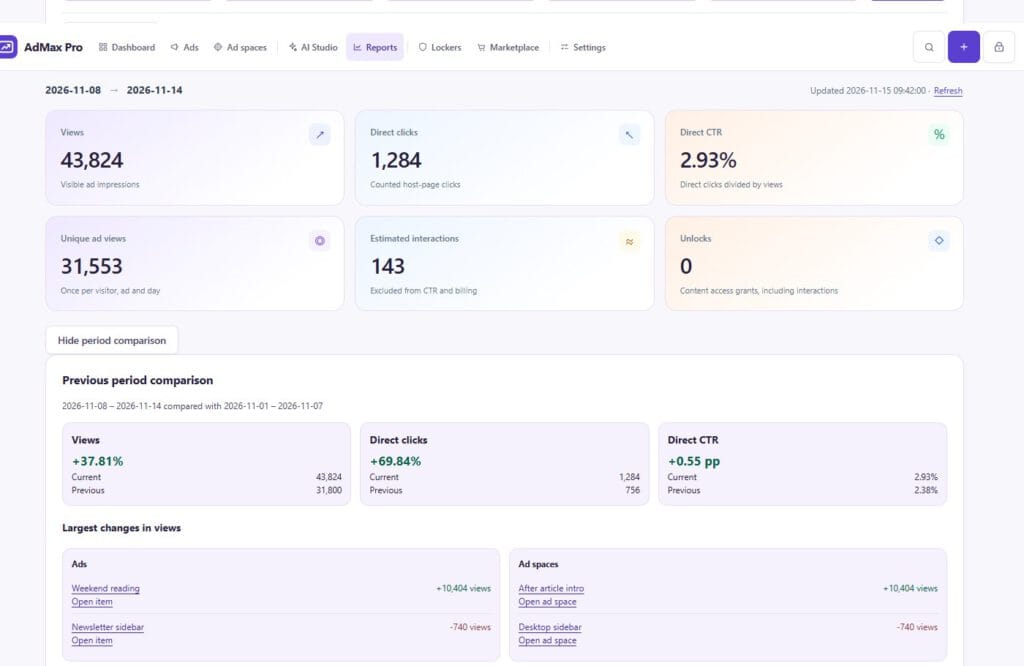
How to Read Ad Impressions, Clicks, and CTR in WordPress
Understand views, counted clicks and direct CTR in AdMax Pro, compare report periods and export consistent placement data as CSV.

Understand views, counted clicks and direct CTR in AdMax Pro, compare report periods and export consistent placement data as CSV.
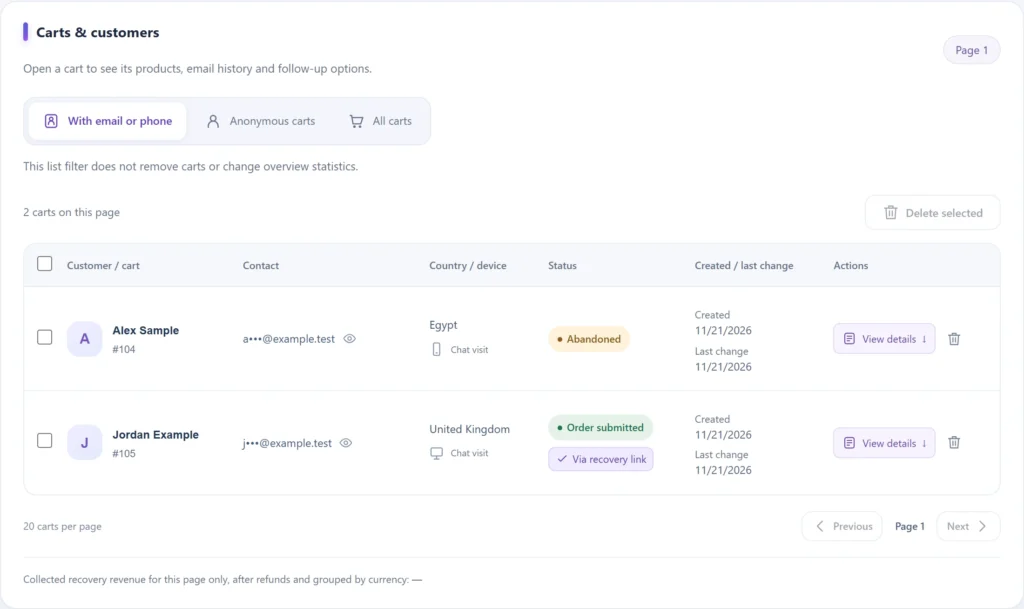
Configure UltraChatbot’s on-site cart help and eligible email follow-up, then test delivery, recovery links and when reminders stop.
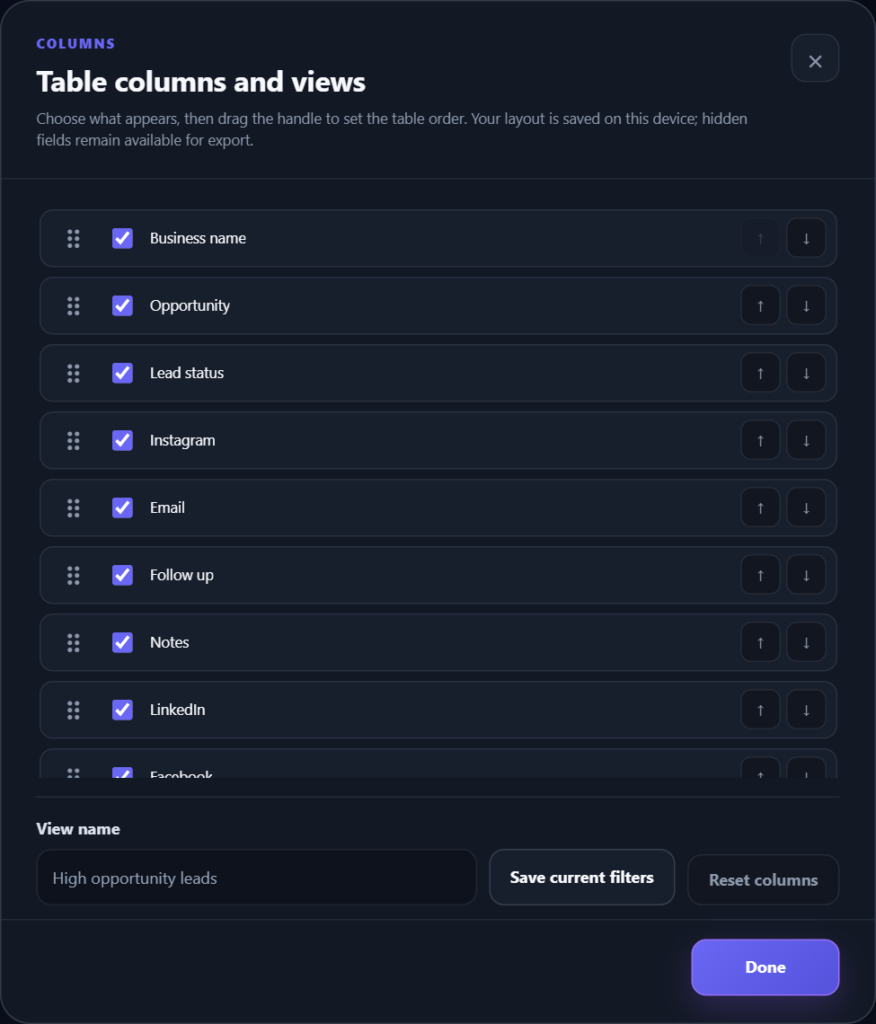
Review, qualify and export a Google Maps lead list as CSV with LeadFinder. Check branch duplicates, contact fields and spreadsheet imports.
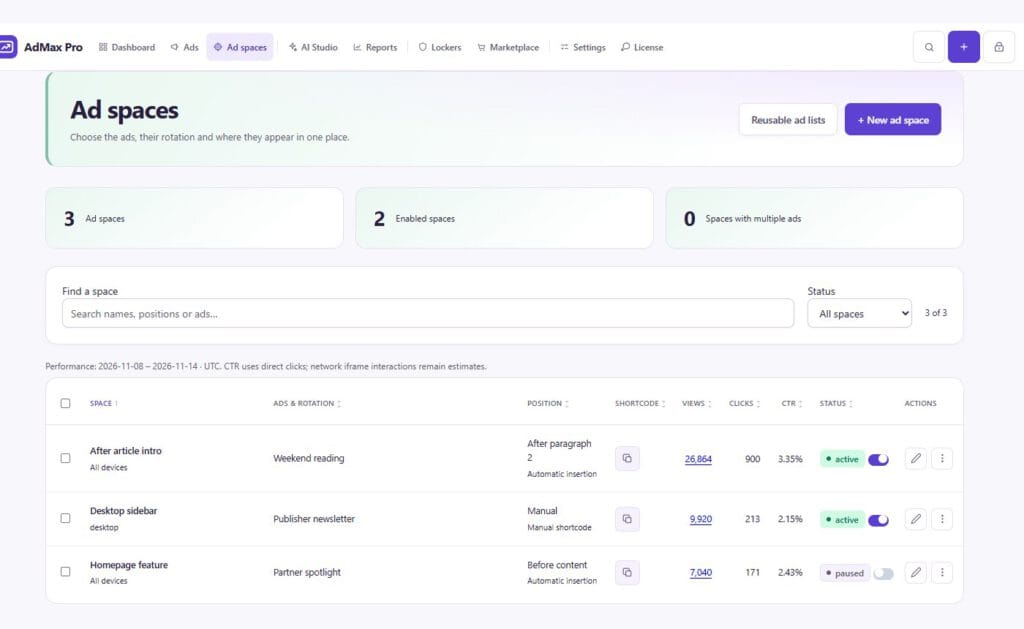
Create a direct-sale ad placement with AdMax Pro and WooCommerce. Pick a billing model, set package terms and test the advertiser workflow.

Add your store’s shipping and returns policies to UltraChatbot AI, test retrieval and citations, and handle questions that need a person.
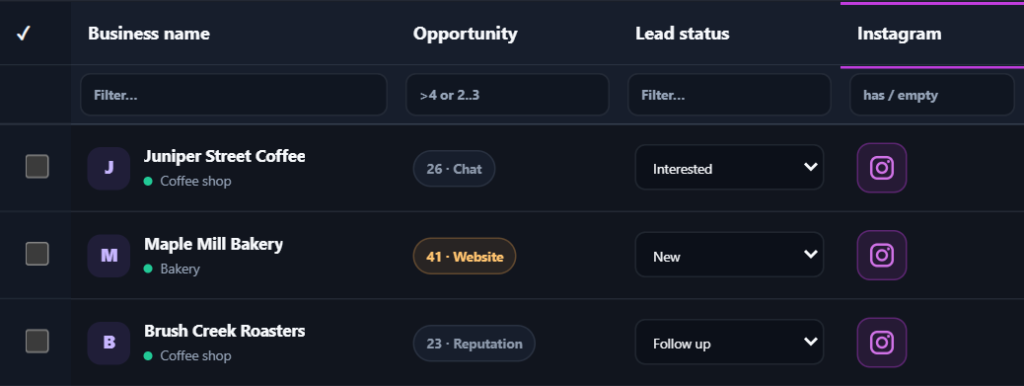
Use LeadFinder website signals to shortlist local businesses for a redesign offer, verify what you find and write specific prospect notes.
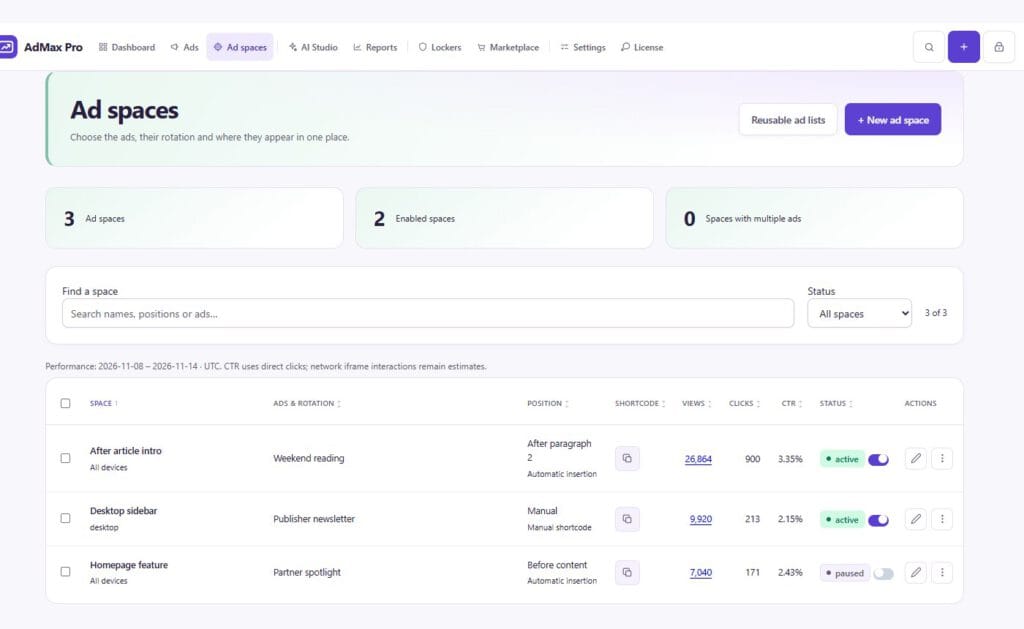
Place an ad in a WordPress post using an AdMax Pro shortcode or automatic placement. Preview delivery on desktop and mobile before publishing.