Recover an unfinished search
See which keyword and location fell short, read its stop reason and prepare that search to resume. Previously saved businesses stay in the directory.
Google Chrome extension for Google Maps leads
Search several cities at once, see which businesses publish a way to reach them, and keep the next follow-up beside each lead.
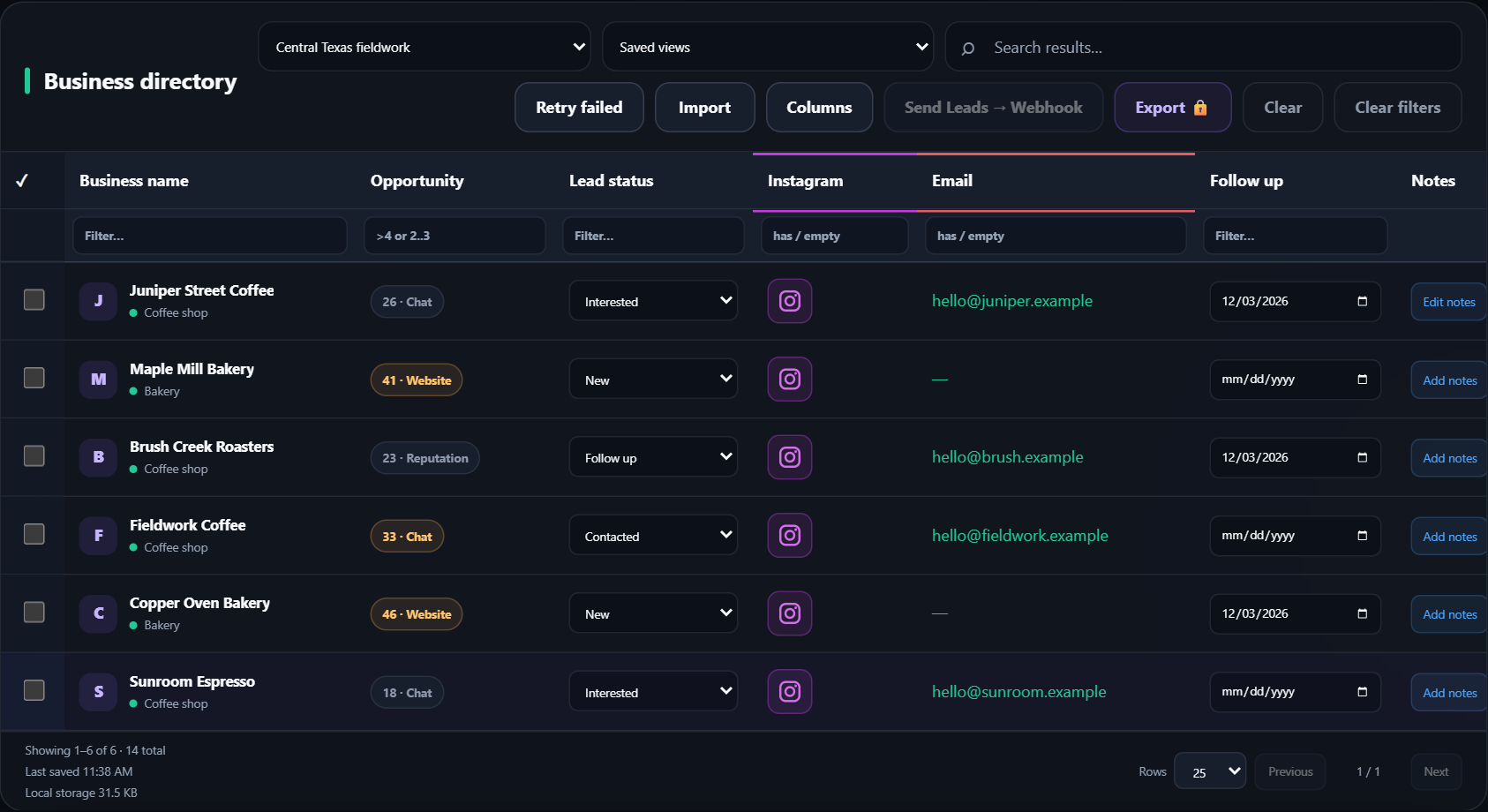
Google Chrome extension
No Maps API key required
Projects saved on your device
Website research
Start with a Google Maps listing. LeadFinder brings public contact details and reasons to reach out together in one business record.
Enable website checks and LeadFinder looks through public pages such as Contact and About for published emails, phone numbers and social profiles.
Sort by opportunity score and see the signals behind it, like a booking link the tool couldn’t find, a missing mobile viewport or older Google reviews.
Outreach idea Offer to make it easier for patients to book from their phones.
Product tour
Follow a coffee-and-bakery search from the first keyword to a scheduled call. Select a view to see the controls you’ll use.
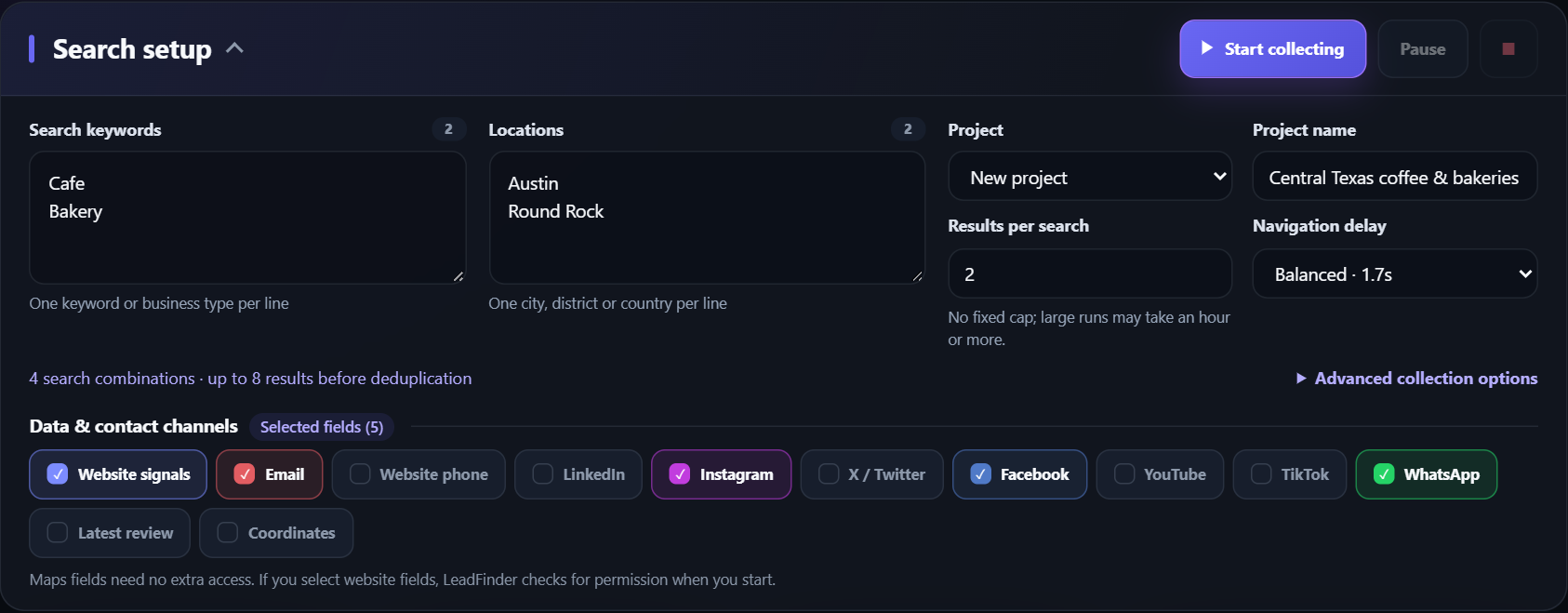
Enter “Cafe” and “Bakery” alongside Austin and Round Rock. LeadFinder builds four searches, saves their progress and recognizes businesses found more than once.
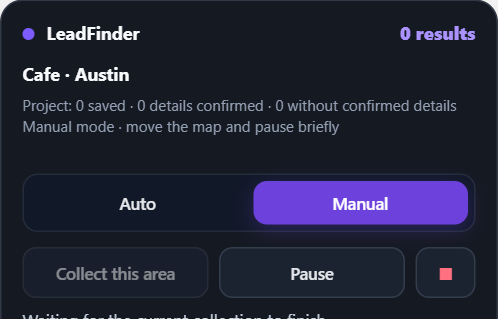
Let Auto advance the search. Spot a promising street? Switch to Manual, move the map and choose Collect this area. Return to Auto when you’re ready to continue.
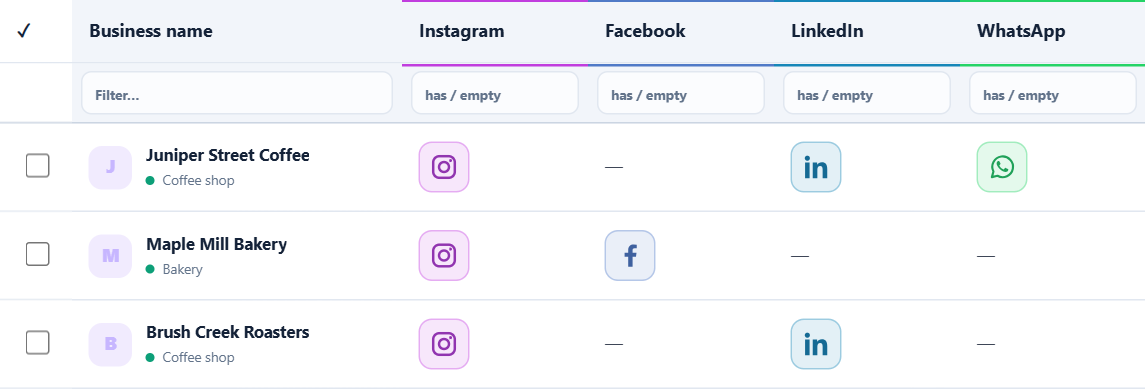
Turn on the networks you need. Found profiles appear as clickable logos in the directory. CSV and JSON carry the full URLs, ready for your spreadsheet or CRM.
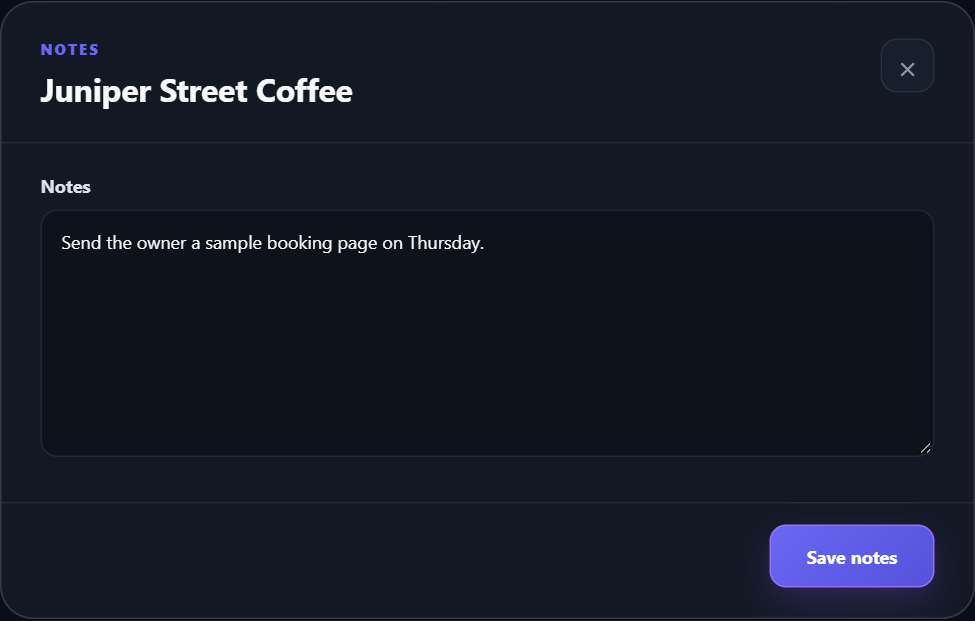
Inspect the reasons behind a business’s opportunity score, then add a note, set a follow-up date and update its status. The context stays with the business in your project.
The workflow
When a run ends, see what it covered, decide which leads deserve attention and move only the results you need.
See which keyword and location fell short, read its stop reason and prepare that search to resume. Previously saved businesses stay in the directory.
Find businesses missing a website, booking link or contact form. See whether a site shows live chat, a possible chat widget or only WhatsApp. Save a filtered view for your next session.
Export a filtered list as CSV or JSON. Connect a webhook to send hand-picked leads, or opt in to sending newly saved leads after a run.
Pricing in USD
All three plans include the full LeadFinder toolkit. Choose the length of access that fits your work.
$4.99 per month
$19.99 per year
Build a list for one city today and another next month. Lifetime access is tied to your Chrome email and covers every project you create.
Save $20
USD · One-time payment
Continue to checkout to buy your license. After payment, use the activation guide to set up LeadFinder.
Yes. The trial includes three runs, each with up to 50 new unique businesses across all its keyword and location combinations. A run counts toward the trial when it adds a new business. Paid licenses unlock lead export and webhook delivery.
Results depend on the listings Google Maps makes available in the area you search. LeadFinder can collect listing details and look for published email, phone and social profiles on business websites. Some businesses publish only a phone number or have no website.
The directory, notes and saved progress live in your local Chrome profile. Use a project backup to carry your work to another profile or computer. The dashboard supports English and Arabic, including right-to-left layout.
Complete your purchase at checkout. When you receive your license code, open LeadFinder in Chrome and follow the license activation guide.
The LeadFinder documentation covers installation, license activation, your first Google Maps search and exporting the results.
Read the LeadFinder documentation