
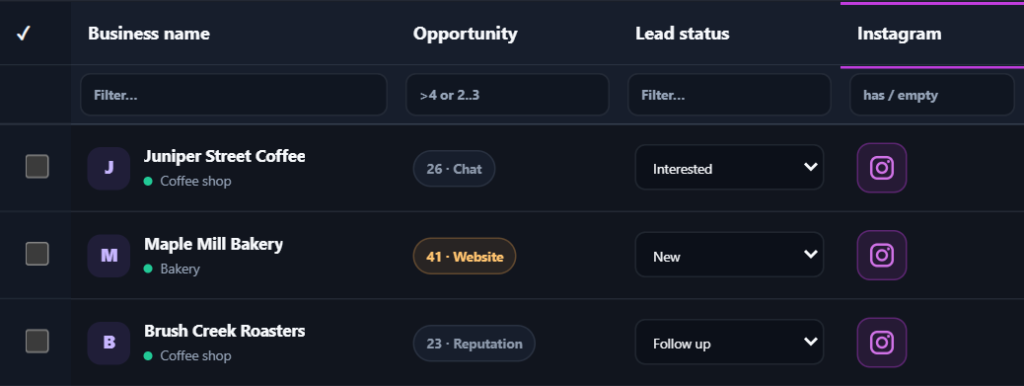
A good website redesign prospect is a business with a visible problem you can help solve. Use LeadFinder to shortlist local businesses by category and city, then confirm the problem on each official website. The extension’s website signals and opportunity score can help you decide where to look first.
Pick a service and a business type
Tie the search to a service you can deliver. A web design team working with independent salons might look for a confusing booking path on mobile. A team serving home services might check whether a customer can find the phone number or request an estimate. A missing feature matters when it is relevant to that business.
For a sample run, choose “hair salon” in a single city and enable the website signals that match the work you sell. LeadFinder can check for public cues such as HTTPS, a mobile layout, a contact form or a booking link. A missing detection is a prompt to inspect the page. Booking may run through a provider or link the scan did not identify.
Read the score as a shortlist
Open a record in the directory and hover over its opportunity score to see which signals contributed. Check the contributing field and the actual website. One well-verified issue is easier to discuss with a business than a high score with no explanation.
- Open the official site on a phone or use a narrow viewport. Try the business’s most important action, such as finding a booking link.
- Record the page, date and what happened. Separate an obvious issue from something you still need to confirm.
- Check whether the action lives on a separate link, a location page or a third-party booking tool that the business already uses.
Decide what belongs in the shortlist
Observed issue. The salon’s mobile menu opens, but the “Book” link leads to an unavailable page. Record the affected URL and leave a short note about the exact step.
Confirmed working. The salon uses a working booking page linked from its Maps profile. Keep the record as qualified for a different service only if you have concrete evidence it fits.
Needs review. The extension could not find a booking link and the website loads inconsistently. Mark it for a second check before contacting the business.
These are example decisions. Use the actual findings from your own run and avoid submitting customer-facing forms just to see whether they work.
Turn one observation into a useful conversation
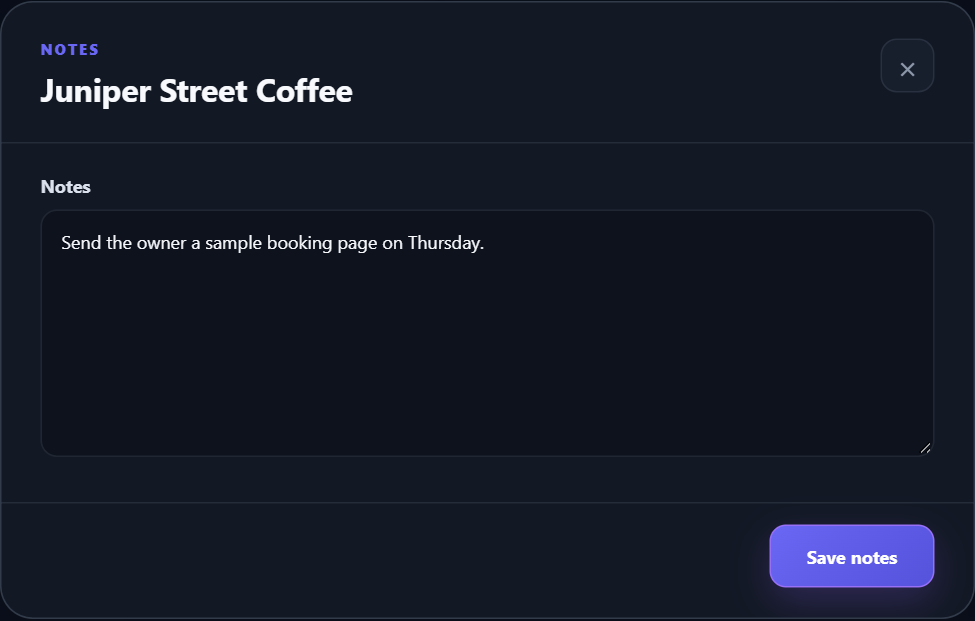
Keep the lead note in plain language, for example “Mobile visitors reach a missing booking page after tapping Book. Recheck the link before offering a fix.” Choose a public business contact route and make any follow-up about the specific issue you saw. Share the evidence and a proposed next step when you can explain it clearly.
The LeadFinder directory guide shows how to inspect signals, scores and notes. If you need to find the businesses first, start with the Google Maps prospecting guide.
Can the score tell you who will buy a redesign?
The score helps prioritize what to review. A sale depends on the business’s goals, budget and interest. Your evidence should describe a visible problem that matters to customers. The business decides whether fixing it is a priority.