

A WooCommerce chatbot can answer shipping and returns questions using the same policies you publish for customers. Add the approved policy to UltraChatbot AI’s Knowledge Base, test whether the right passage is retrieved, and check the actual answer in the visitor widget. The Knowledge Base is available on the free plan and higher.
Prepare a short, current policy source
Start with one approved version of your shipping policy and one approved version of your returns policy. Split conditions into readable sections. For shipping, distinguish dispatch time from delivery estimates, and state which destinations or products have exceptions. For returns, write when the return window begins, what items qualify, and how to start a request.
Points that change often need a clear home. If the customer can only see a final shipping quote at checkout, say that in the policy. Keep product-specific exceptions with the products or in an explicit policy section. Remove stale copies from the Knowledge Base when they conflict with the current terms.
Add and test the source in UltraChatbot
- Open Knowledge Base and choose Add sources. Add a page or paste the approved text, then give it a descriptive name such as “Returns policy for online orders”.
- Wait for processing and enable the source. If processing stalls, check the background scheduler and source status.
- Use Test retrieval with the exact wording a shopper might type. Confirm that the returned passage contains the policy condition or exception.
- Enable retrieval for chat and ask the same question in the visitor widget. Read the answer and follow its citation if the response provides one.
- Edit or reprocess the source when terms change. Retest a standard question and an exception before closing the update.
Write test questions with real edge cases
Delivery estimate. Ask “When will my order arrive if I order today?” Check that the chat separates dispatch from transit and asks for the destination if the answer depends on it.
Return window. Ask “Can I return this two weeks after delivery?” Check that it uses the start date stated in your policy. Try an excluded product to see whether the exception is included.
Account-specific case. Ask “Where is my refund?” A policy can explain expected handling. A question about a specific payment needs the approved support path or access to order context. Ask the shopper to use the store’s official support channel when the current chat cannot verify the case.
Keep policy answers separate from commercial promises
Policy questions need the exact conditions. The assistant should ask for missing context when the policy offers different routes. For example, local pickup and international delivery can have different rules. For an ambiguous or unpublished exception, use the support instructions you have configured instead of treating a guess as a guarantee.
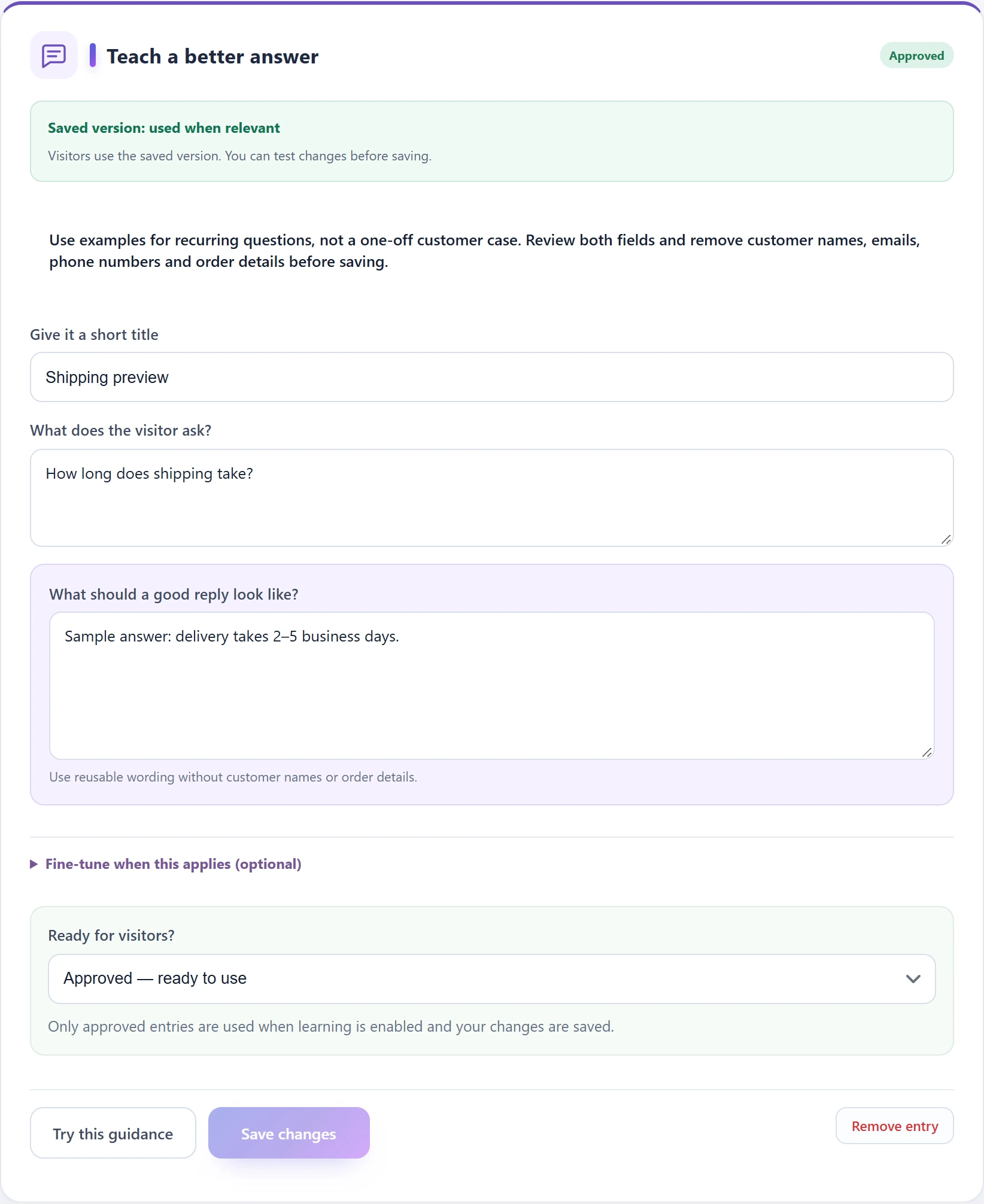
On Pro and higher, Human handoff can route a case that needs a person, and AI Guidance can help you configure a carefully approved response for a recurring question. Keep the full policy in the Knowledge Base so visitors can still ask about variants.
What should I check after updating a policy?
Test the source status, the retrieved passage, and the live answer. A correct retrieval test can still surface an incomplete live reply, so review both. If the wrong policy keeps appearing, inspect duplicate sources and any conflicting page content.
Explore UltraChatbot AI · Set up the product recommendation flow